Inspect first
Read Kodi's version, active profile, skin, add-ons, playback state and bounded redacted logs. Check ADB and Kodi HTTP separately.
Local MCP server · Free · Open source
Let a compatible AI assistant inspect Kodi, explain playback problems and preview repairs on your NVIDIA Shield.
nvidia-MCP runs on your computer and connects to one explicitly configured TV through ADB and Kodi HTTP. It starts read-only. The server is free under the MIT license; your chosen AI client or model may charge separately.
Read Kodi's version, active profile, skin, add-ons, playback state and bounded redacted logs. Check ADB and Kodi HTTP separately.
Review supported configuration changes before applying them. Writes and provider browsing each require an opt-in.
Supported file repairs use exact anchors, checksum checks and private backups. Disruptive tools check playback and foreground state.
Your local MCP assistant
       ↓ stdio
nvidia-MCP on your computer
       ↓ ADB + Kodi HTTP
Your configured TV and Kodi
You need Python 3.11+, a client that supports local stdio MCP tools and access to the same home network. The agent can handle computer dependencies and configuration. You approve permissions on the TV and provide secrets privately. A browser chat alone cannot start this local process.
Read the setup walkthrough or copy the complete agent setup request.
What a local MCP connection needs, how setup works and what to ask after connecting.
Understand the interfaces underneath the tools and choose the right level of control.
Collect connection, profile and playback evidence before changing anything.
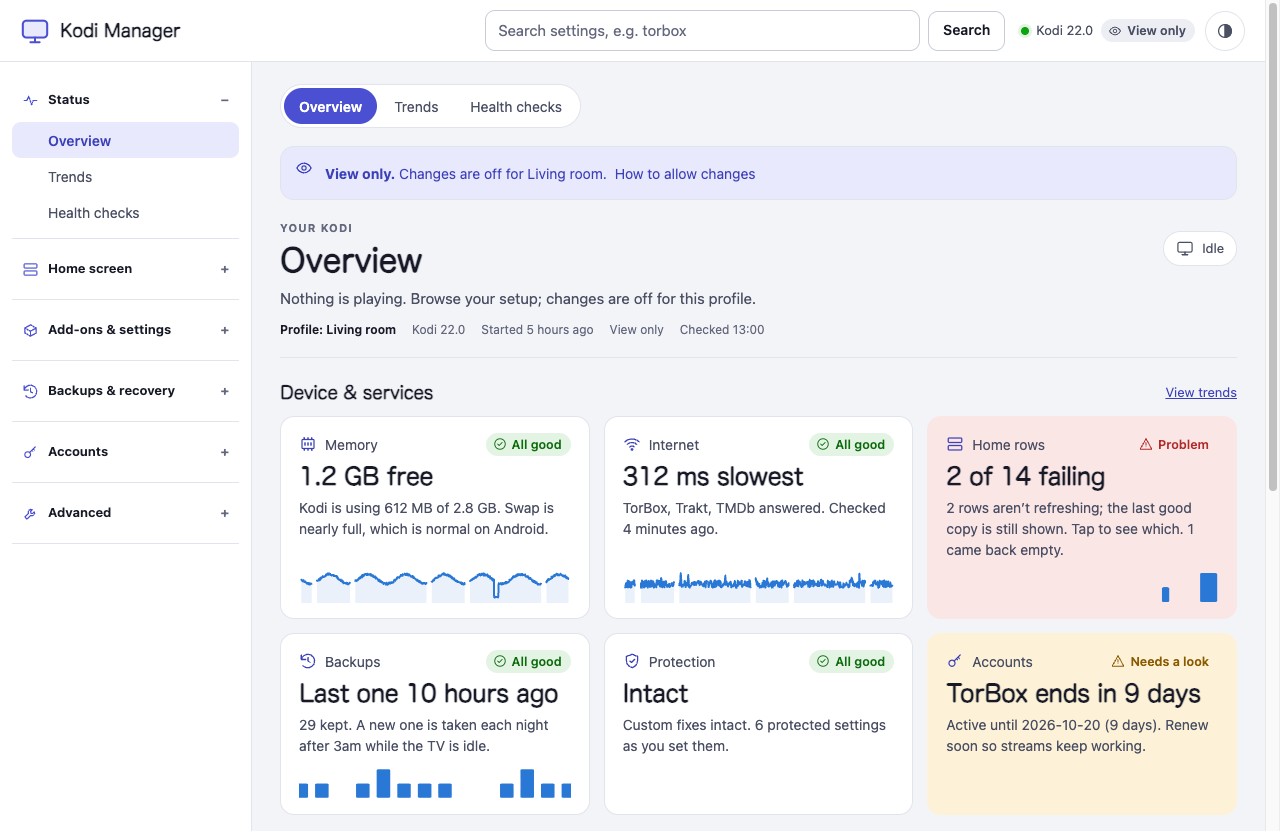
The optional Kodi Manager companion runs inside Kodi and adds supported add-on settings, playback-pipeline inspection and configuration checkpoints. Core MCP diagnostics work without it.
The free NVIDIA Shield & Kodi Troubleshooter skill on Agensi adds setup and repair guidance. It contains instructions and still needs this MCP server. You can also inspect the Glama server listing and full tool reference.